How to write AGENTS.md: only the rules an AI coding agent gets wrong
AGENTS.md is the instruction file an AI coding agent reads before it starts working in a repository. Write down only what the agent tends to get wrong, with the reason, and turn the important rules into tests.
SugarMount shipped four Android apps with one 96-line AGENTS.md, revised 19 times since it was created.
Examples are taken from the AGENTS.md of SugarMount's app repository (sugar-utils) and shortened, as of October 18, 2026.
Contents (7)
What is AGENTS.md?
A Markdown file at the top of the repository. Many AI coding agents read a file by this name as their instructions. Claude Code reads CLAUDE.md, so SugarMount keeps the same content in both files. Unlike a README, its reader is an agent. An agent reads the repository as if for the first time, every time, so even things a person would remember after hearing once need to be written down.
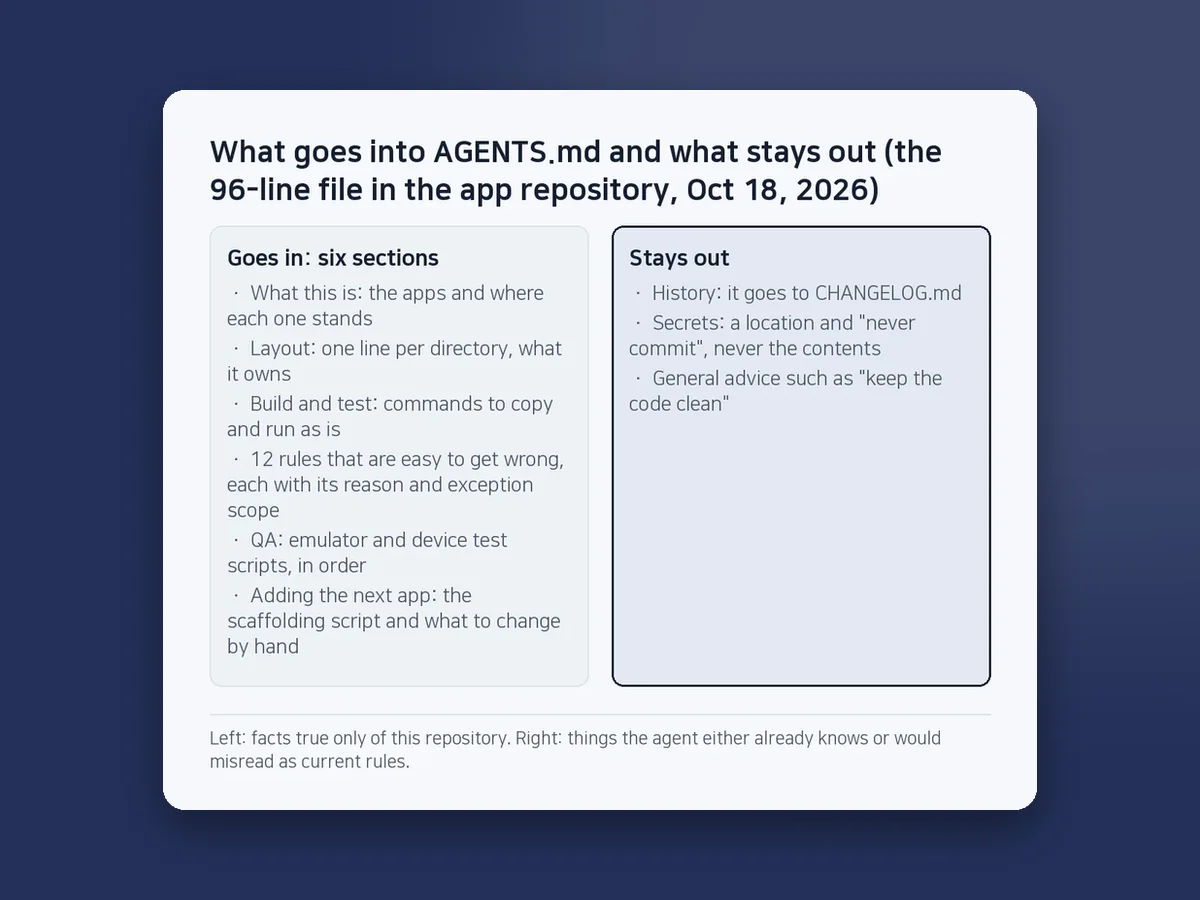
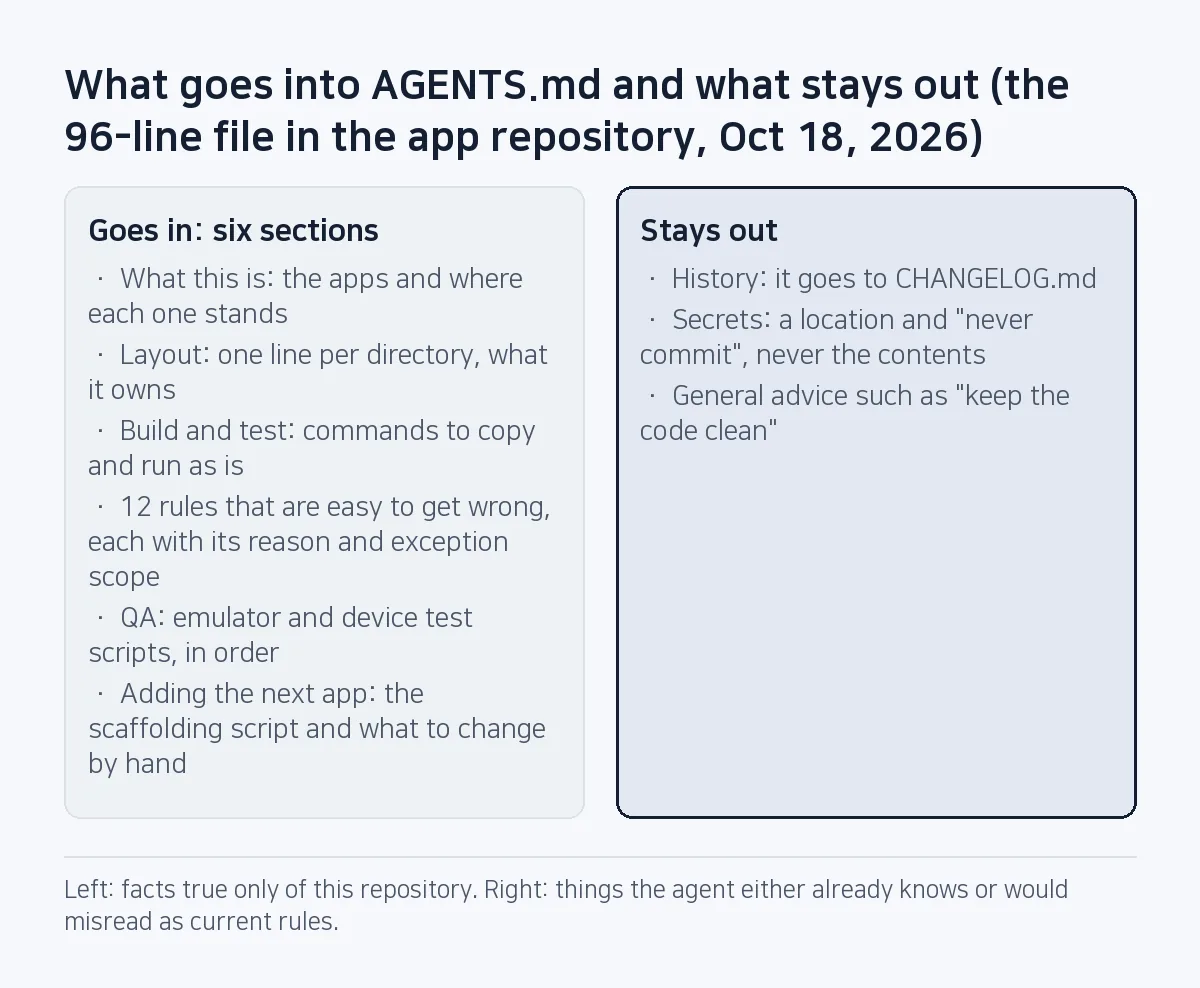
What goes in?
| Section | Contents | Why |
|---|---|---|
| What this is | The apps, where each one stands (public on Play, internal testing), stack and SDK levels | So the agent never guesses that something "shipped" |
| Layout | One line per directory: what it owns | So the same feature is not built twice in different places |
| Build and test | Commands that can be copied and run as is | So the agent does not rediscover how to verify |
| Rules that are easy to get wrong | Twelve of them: the rule, the reason, the scope of any exception | The heart of the file |
| QA | Emulator and device test scripts, in order | So "it builds" is not reported as "done" |
| Adding the next app | The scaffolding script and what to change by hand afterwards | So each app does not repeat the same mistakes |
What stays out?
- History: The top of the file says "This file holds current facts only; history goes to CHANGELOG.md." Mix in old versions and the agent reads old rules as current ones.
- Secrets: Key files get a location and "never commit"; their contents never appear.
- General advice: The agent already knows "keep the code clean". Keep only what is true of this repository.
How do you write a rule that is easy to get wrong?
Each rule says what not to do, why, and how far any exception reaches. A few of the actual rules:
- Identifiers are per app. Package name, ad IDs, Firebase project and billing product live only in the app's config file. Reusing code never means reusing IDs.
- Debug uses ad test IDs only; release must not. Both directions are checked.
- No user content in analytics or logs. Events have no free-form parameters on purpose, and the file says "never add a
Map<String, Any>escape hatch". - Report what was verified on a device versus only compiled. Never describe unshipped features as shipped.
Exceptions are written narrowly. The rule "temp files only in the cache" carries the exception "the document viewer (HWP Viewer SugarDoc) alone keeps a received-documents inbox. Do not fix this back to temp files." Without that sentence, an agent sees the exception as a bug and "fixes" it.
Decisions made by the person carry a date (for example "owner decision 2026-10-05"). The current AGENTS.md has six dated decisions. With a date, an agent can tell which side is newer when it conflicts with an older document.
Enforce rules with checks, not prose
Agents mostly follow instructions, but they can lose track in a long task. So the rules that must never be broken become tests or build checks.
| Rule | What enforces it |
|---|---|
| Per-app identifiers; no ad test IDs in release | A ConfigGateTest in every app; release_gate.sh stops the build on PLACEHOLDER or a test ID |
| No Android dependency in the shared document logic | NoAndroidImportsTest |
| Every string in both Korean and English | Lint's MissingTranslation and ExtraTranslation raised from warnings to errors |
| Full-screen ad spacing and caps | AdPacerTest; new numbers go into the config with a test, never at a call site |
| Privacy policy links must be live | release_gate.sh checks that the policy and support URLs return HTTP 200 |
The URLs in the last row are this site's per-app privacy policies. Move the site, and app releases stop.
How is it kept up to date?
- Add a line where the mistake happened: After a release build of the first app, Compress Image, crashed on launch, a line was added: "run
release_launch.shbefore every upload", with the reason (which version crashed, and on what). - Change facts in the same commit: When an app goes public or a version moves, AGENTS.md changes in that same commit. Nearly all 19 revisions sit inside feature or release commits.
- Move long parts out: Ad policy, design rules and the document viewer design live in their own documents; AGENTS.md keeps only the paths.
Frequently asked questions
How is AGENTS.md different from CLAUDE.md?
Only in which tool reads it. Claude Code reads CLAUDE.md; many other agents read AGENTS.md. If the two drift apart, each agent follows different rules, so SugarMount keeps them identical.
How long should it be?
There is no fixed length. The repository that ships SugarMount's four apps uses 96 lines. The longer it gets, the easier it is for an agent to miss an important rule, so move details into other documents and keep the paths.
Can I just use a template?
Use a template for structure only, and record what actually went wrong in your repository. Start short and add a line each time the agent makes a mistake.
This note is written from values SugarMount measured itself; an AI coding agent was used to draft it.
More AX notes
- Several Claude Code sessions, one repo: the file owner table, checked against 13 merges
- Three agent designs, three judges: the market judge alone would have picked the one that crashed on every KakaoTalk file
- Commits without a Co-Authored-By trailer: the agent made 26 of the 29 we could check
- Running an AI marketer on a schedule four times a day: the permission table that leaves money, accounts and policy to a person
- Pre-gzipping Android assets, measured: zero APK savings, and .pack.gz became .pack with a FileNotFoundException
- A market:// link opens a store chooser on SKT-sold Samsung phones: set the Play package first